
F5 BIG-IQ Quick Setup > BIG-IQ 6.1 Centralized Management Quick Setup Guide > Module 2: Setup Wizard Source | Edit on
BIG-IQ Setup Wizard (VMware)
Description:
In this lab, we will complete the setup wizard for BIG-IQ CM and DCD in Vmware ESXi. Refer to below AskF5 link for official documentation.
Step 1: Setup Wizard
Follow below steps to setup both BIG-IQ CM and DCD devices. The only difference will be step (2) below.
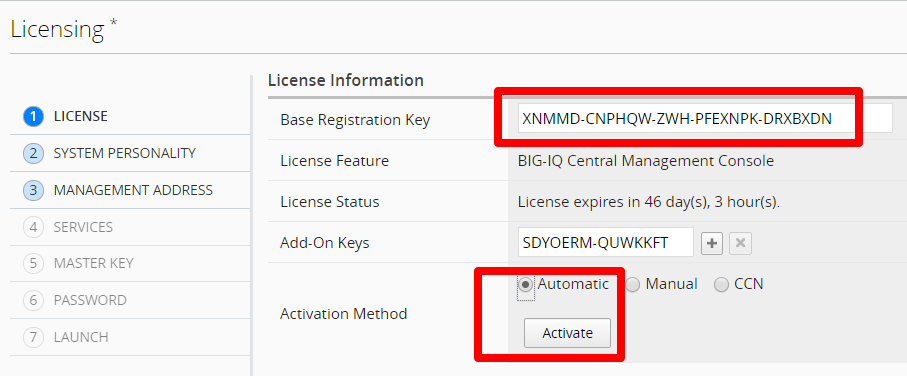
When you first log into the BIG-IQ, you must complete the setup wizard. The first step is licensing. Enter in the Base Registration Key for your BIG-IQ CM, click agree to accept EULA and activate. Click Next to proceed to the next step
Note
If you cannot configure Internet access, use Manual activation
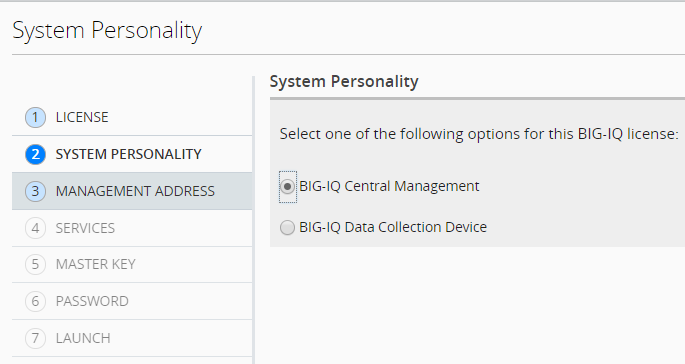
Select BIG-IQ Central Management for CM. Select BIG-IQ Data Collection Device when configuring your logging node, click Next
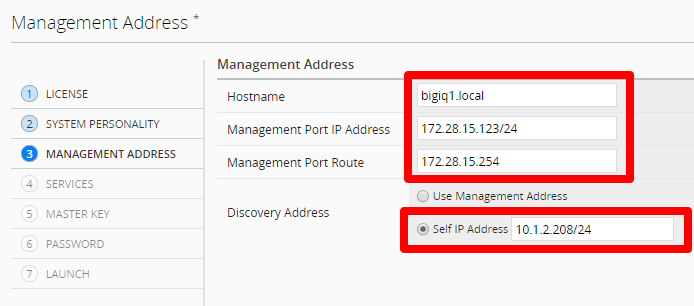
Specify the first BIG-IQ Hostname, Management Port IP Address, Management Port Route. Select Self-IP for discovery address (recommended) and enter an IP address from the internal subnet configured for your second network adapter in ESXi, click Next
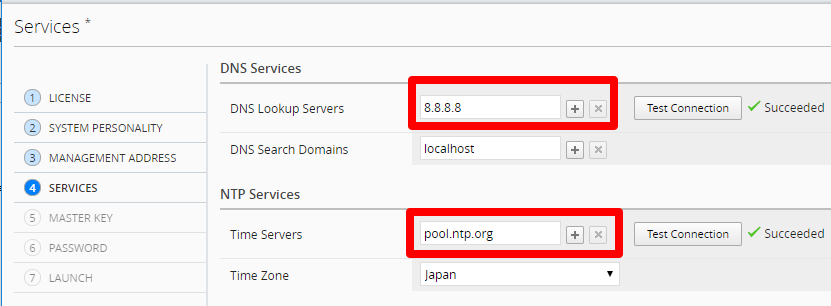
Configure your DNS, Time Server, and set your Time Zone, click Next
Set Master key: <Strong password>, click Next
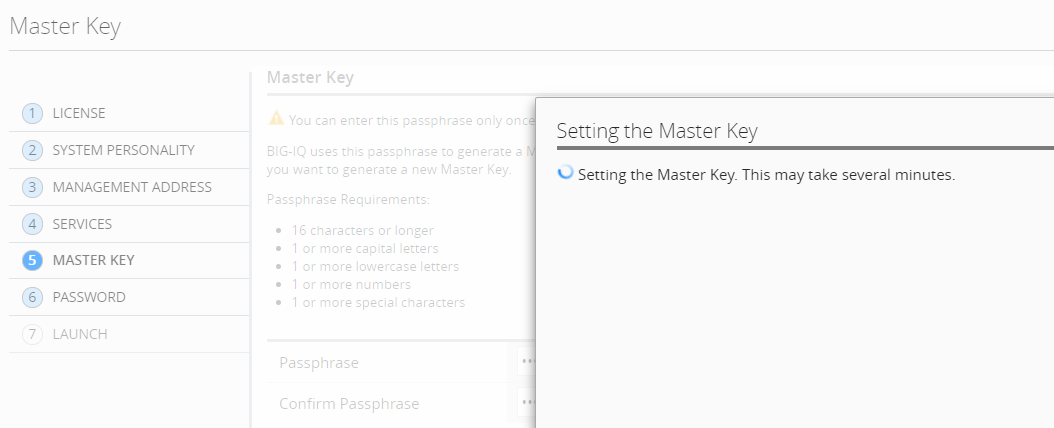
Important
If this BIG-IQ is part of an HA or DCD configuration, make sure you keep track of the pass phrase, because it cannot be recovered if you lose it.
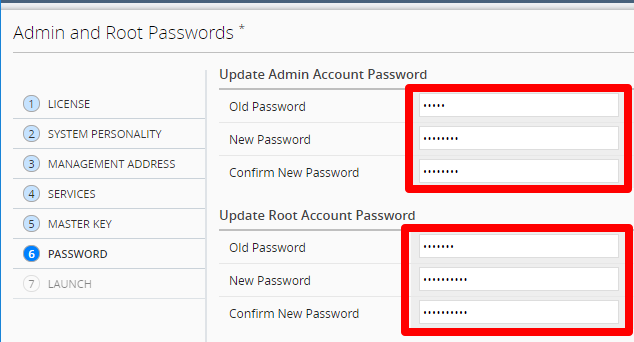
Enter in the default (admin/admin, root/default) and new passwords for admin and root, click Next
Confirm configuration and Launch
